
I actually just wanted to tear down a few old VMs on my sandbox over the weekend. But then Proxmox released Virtual Environment 9.0 — and faster than Debian 13 "Trixie" is even officially on the market.
I pulled the ISO directly onto my test drive. And after a few hours of tinkering, one thing is clear: The update is worth it.
The Foundation Gets an Update
Proxmox doesn't just deliver cosmetics here. Linux kernel 6.14.8-2 finally brings clean hardware support for newer systems, QEMU 10.0.2 stabilizes virtualization, and LXC 6.0.4 makes container management noticeably more robust.
The real highlight, however, is ZFS 2.3.3. Anyone who has ever tried to expand a RAIDZ pool after the fact knows the pain. That was previously a nightmare. From now on, new drives can be integrated into existing RAIDZ pools with minimal downtime. A true relief for anyone who needs to add storage.
The next big one: Snapshot support for thick-provisioned LVM shared storage.
Sounds dry, but solves a real architectural problem. VMs on iSCSI or Fibre Channel SANs can now take snapshots without requiring adventurous workarounds. The system uses volume chains and only stores differences from the parent volume. This isn't a nice gimmick — it's simply essential for production operations.
SDN: Network Design Without Headaches
Software-defined networking has seen major improvements. The new "Fabrics" feature enables complex, routed networks. This extends all the way to spine-leaf topologies for larger data centers.
For my homelab, this is absolute overkill. But anyone who needs to build clean network segmentation in real enterprise environments will use this feature immediately.
Added to that are affinity rules in HA clusters. These let you granularly control which VMs run where. This prevents uncontrolled load spikes when critical systems accidentally bring down the same host after a failover.
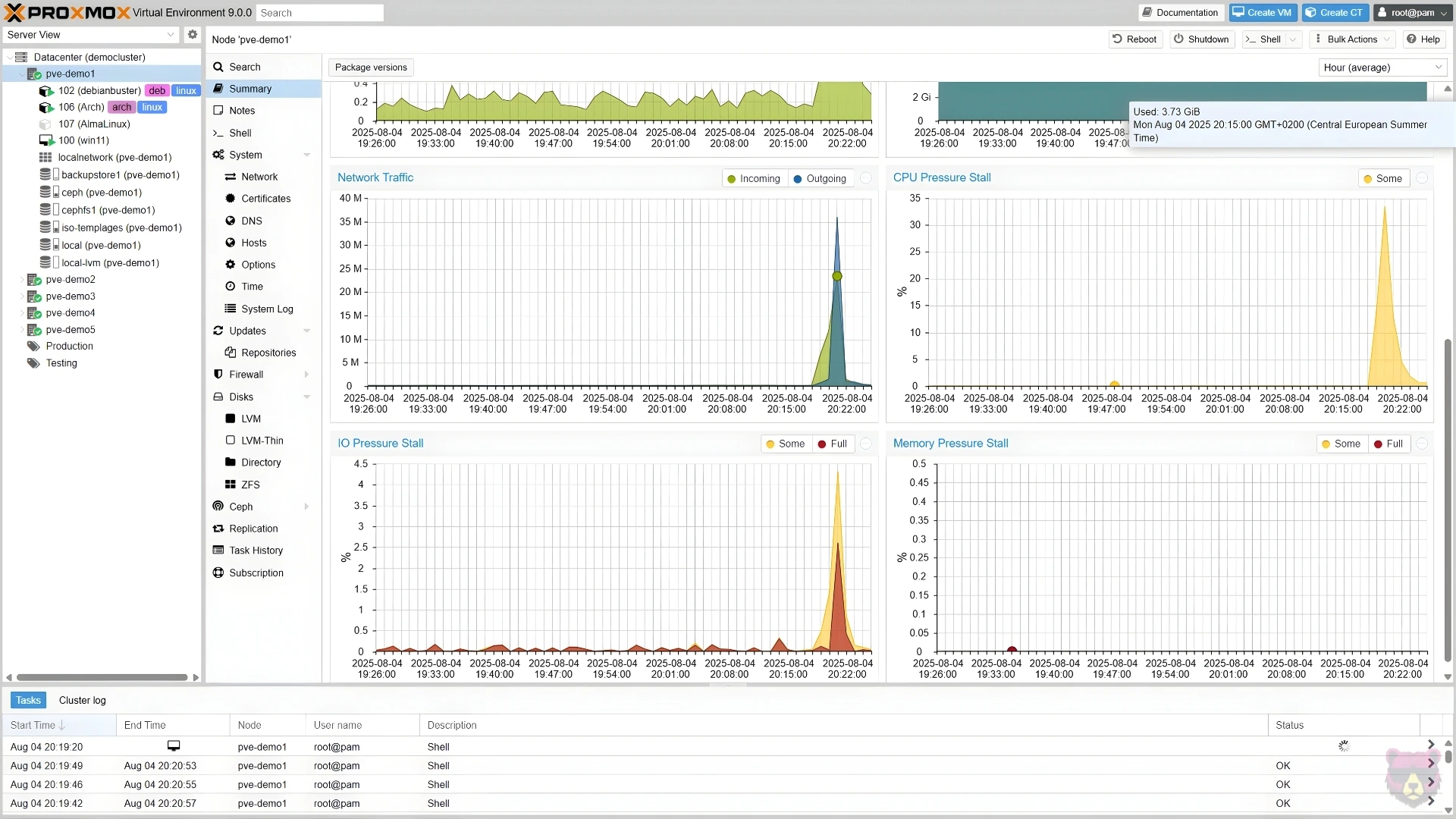
Mobile UI: No Longer Completely Unusable
The old mobile view was an embarrassment. Anyone who needed to quickly restart a VM on the go needed nerves of steel and slim fingers. The new UI has been completely rebuilt with the Rust-based Yew framework.
Now the system can actually be managed via a smartphone browser. Managing VMs, checking logs, adjusting basic configs — it finally works without constant zooming and cursing.
Where the Update Still Falls Short
Proxmox 9.0 is a massive step, but not flawless.
GlusterFS support has been completely removed. Anyone still using it must migrate before upgrading. This will get really ugly in some setups.
There are also reports of DKMS errors after reboot and finicky graphical installers on certain IPMI systems. What really annoyed in the test lab were the slower VM boot times with OVMF. When a VM suddenly takes a minute and a half to boot instead of a few seconds, that massively disrupts the workflow.
Anyone working with nested virtualization (Docker in LXC) should also carefully read the release notes for AppArmor 4. There are still some pitfalls lurking.
Upgrade Strategy
Proxmox ships the pve8to9 checker script directly. That's helpful, but doesn't make the actual upgrade trivial.
Anyone running production clusters should definitely wait a few more weeks until the initial teething problems are patched out. For your own homelab or pure test environments, the jump to Debian 13 is already worth it now. The ZFS enhancements alone and the usable LVM snapshots save so much frustration in everyday work that the weekend tinkering pays off.